Hold the provided handles
Hold the provided handles as indicated on the station.

VIDEO DEMONSTRATION 0:38
Physical exhibit demonstration
Two enclosed viewing stations let visitors observe images formed through a small aperture.
Product details & project options Explore the related setting Browse the video library · Page 21A TEXT GUIDE TO THE VIDEO
Look through the viewing port and move the indicated part to compare image size. The enclosure limits ambient light so the optical image can be seen.
Hold the provided handles as indicated on the station.
Look through the viewing opening and identify the image.
Move the indicated part and compare the same image feature.
This guide describes the visible action. The final performance and operating specification are agreed for the project.
Product details & project options Explore the related settingKEEP EXPLORING
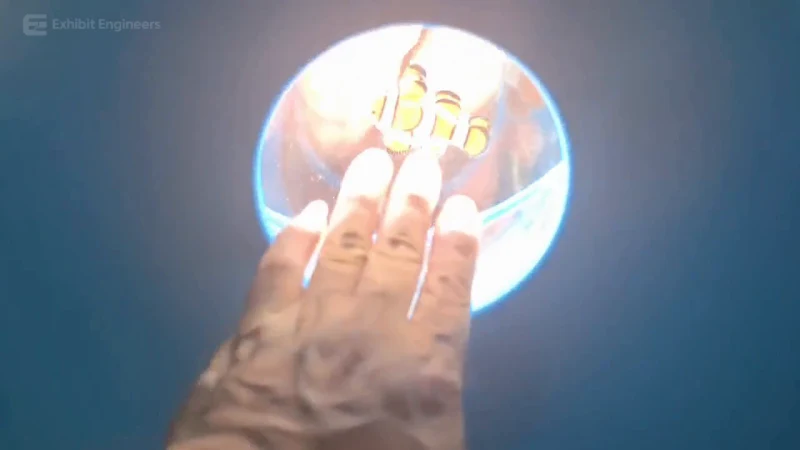
Light & optics
An optical image appears at a small wall opening, inviting visitors to compare what they see with what they can touch.
Watch the demonstration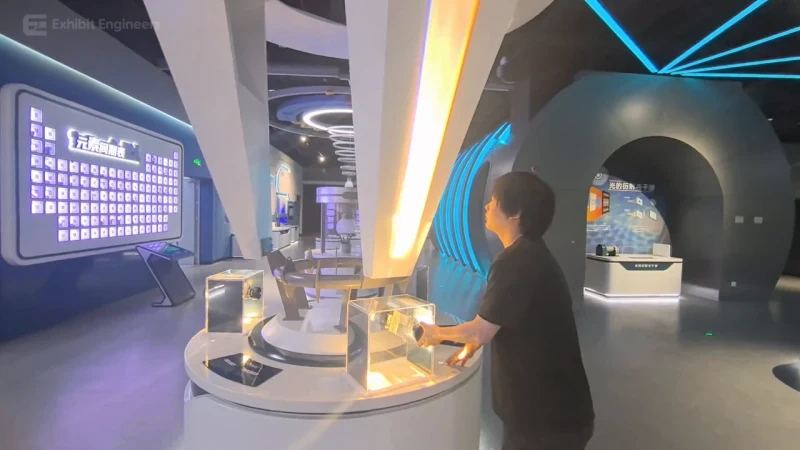
Light & optics
Adjust a light source and observe a prism spread white light into a coloured spectrum.
Watch the demonstration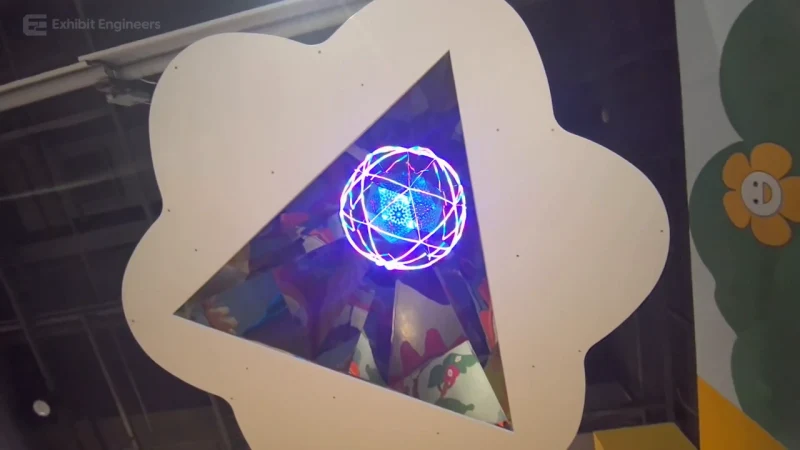
Light & optics
An overhead triangular mirror assembly repeats a changing illuminated pattern above a visitor play area.
Watch the demonstrationFROM CONCEPT TO TURNKEY DELIVERY
Bring a sketch, a reference video or a project brief. Let’s discuss the experience, the site and the practical next steps.