Locate the coloured regions
Look at the enlarged brain and compare its visible regions with the interpretation.

REFERENCE VIEWS · IMAGE SEQUENCE 15 sec
Related project photograph sequence
Compare Interactive Brain Model and Learning Island in five labelled still views. Explore an enlarged coloured brain model and the visitor stations arranged around its circular learning island.
Product details & project options Browse the video library · Page 53IMAGE VIEWING GUIDE
A large coloured brain model is elevated above a circular interpretation island with separate visitor stations. The short workshop clip shows the brain model on its unfinished support, while the installed photographs show the surrounding finished island. These records document the same central model at different stages; the separate longer clip focuses on adjacent sensory activities and is not selected as the brain-model film.
Look at the enlarged brain and compare its visible regions with the interpretation.
Follow the labels of the supplied screen or physical activity.
Return to the central model and discuss which structure or function the activity introduces.
This film sequences existing reference images. It is not continuous operating footage or a moving 3D simulation; final function and configuration follow the agreed project.
Product details & project optionsKEEP EXPLORING
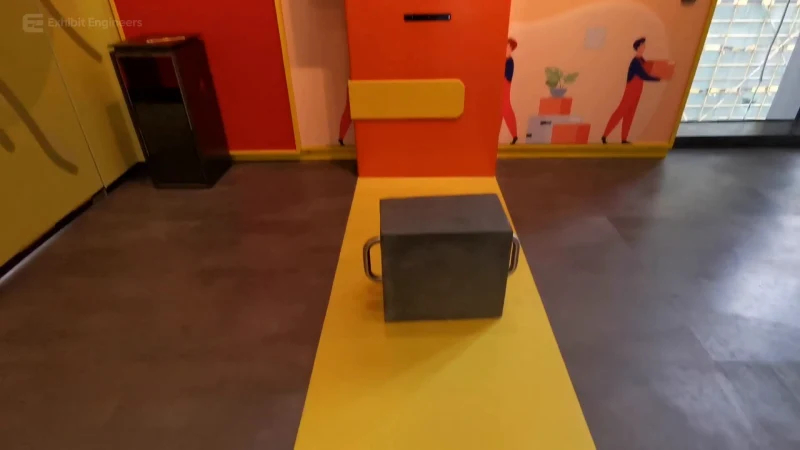
Life science and the human body
Compare illustrated lifting postures using a handled load and a screen-guided activity.
Watch the demonstration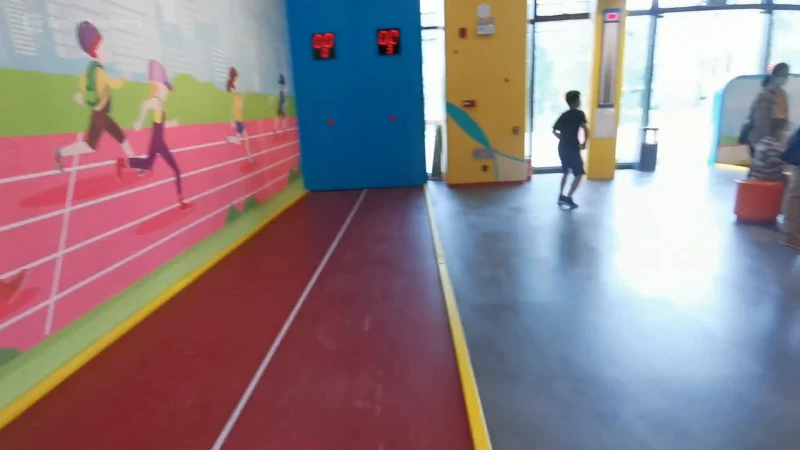
Life science and the human body
Use a marked indoor activity lane and compare a run with the response on the digital display.
Watch the demonstration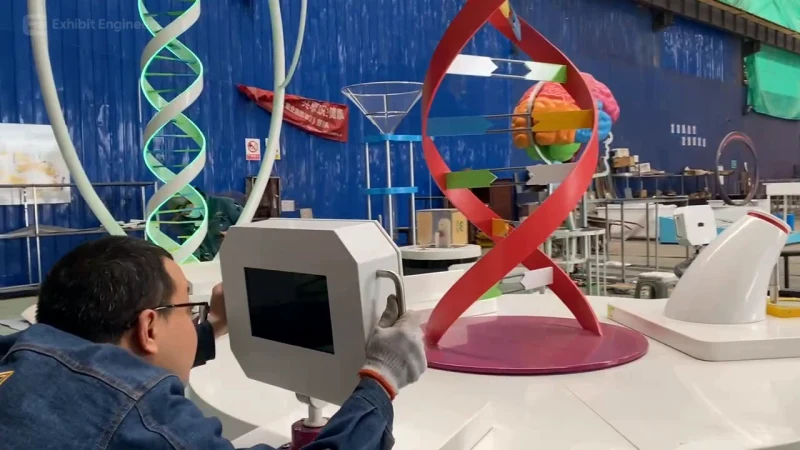
Life science and the human body
Bring a central DNA model and surrounding visitor stations together in a circular life-science learning island.
Watch the demonstrationFROM CONCEPT TO TURNKEY DELIVERY
Bring a sketch, a reference video or a project brief. Let’s discuss the experience, the site and the practical next steps.