Prepare the hands-on activity
Select one of the available target graphs.

REFERENCE VIEWS · IMAGE SEQUENCE 15 sec
Design-image sequence
Compare Motion and Function Graph Exhibit in five labelled still views. Use your distance from a sensor to try to match a selected graph on the screen.
Product details & project options Browse the video library · Page 29IMAGE VIEWING GUIDE
Design views of Motion and Function Graph Exhibit. These still images show the reference layout; they do not record the activity in operation.
Select one of the available target graphs.
Choose a short section of the target and predict whether you need to stand still, move steadily or change speed.
How must you move to match a curved distance–time graph? Read a horizontal section as unchanged measured distance.
This film sequences existing reference images. It is not continuous operating footage or a moving 3D simulation; final function and configuration follow the agreed project.
Product details & project optionsKEEP EXPLORING
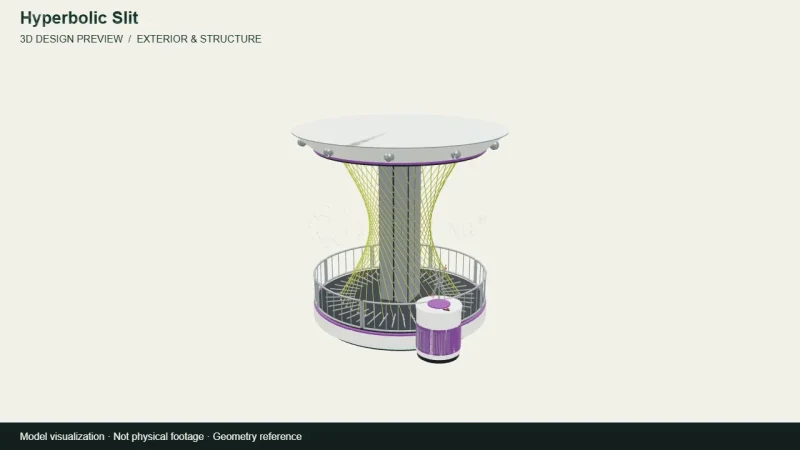
Mathematics & geometry
A camera view around the archived 3D design for Hyperbolic Slit. A straight moving element and curved slit demonstrate a surprising relationship between motion and geometry.
View the 3D design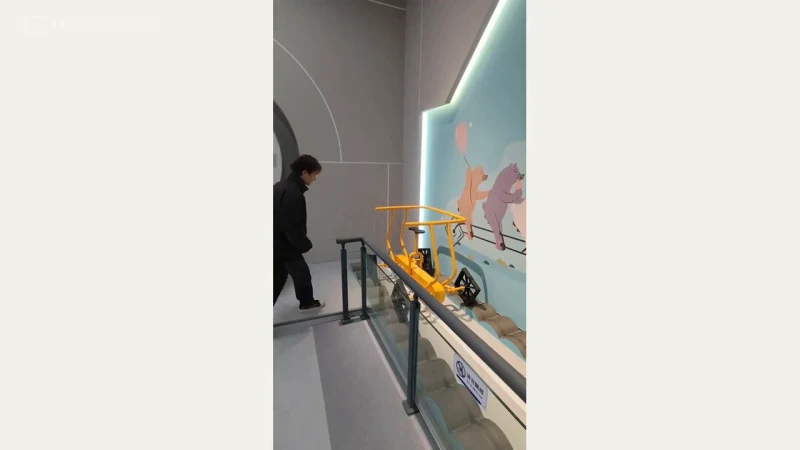
Mathematics & geometry
A square-wheeled vehicle and shaped track show how wheel geometry and track profile can work together.
Watch the demonstration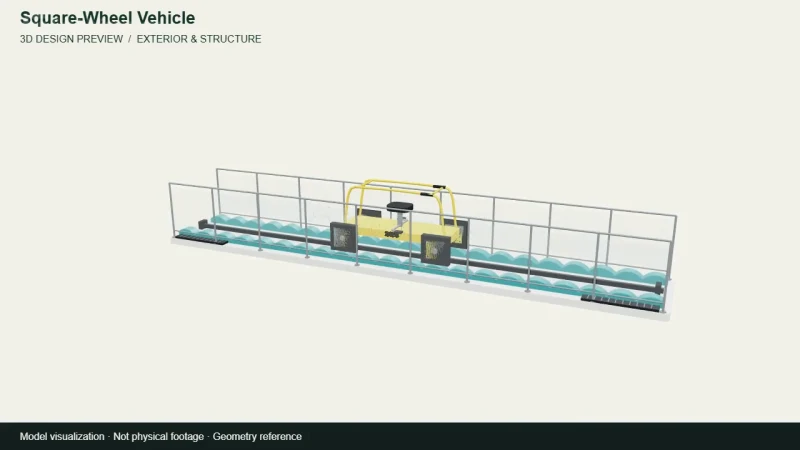
Mathematics & geometry
A camera view around the archived 3D design for Square-Wheel Vehicle. A square-wheeled vehicle and shaped track show how wheel geometry and track profile can work together.
View the 3D designFROM CONCEPT TO TURNKEY DELIVERY
Bring a sketch, a reference video or a project brief. Let’s discuss the experience, the site and the practical next steps.