Prepare the hands-on activity
Observe which lights are initially on.

REFERENCE VIEWS · IMAGE SEQUENCE 15 sec
Design-image sequence
Compare Lights Out Logic Puzzle Exhibit in five labelled still views. Press linked buttons to change a group of lights and work out a sequence that reaches the target pattern.
Product details & project options Browse the video library · Page 28IMAGE VIEWING GUIDE
Design views of Lights Out Logic Puzzle Exhibit. These still images show the reference layout; they do not record the activity in operation.
Observe which lights are initially on.
Press one control, record every light it toggles, then use that information to plan the next move.
Which lights does one button change, and how do successive moves combine? Map a control to a defined set of light changes.
This film sequences existing reference images. It is not continuous operating footage or a moving 3D simulation; final function and configuration follow the agreed project.
Product details & project optionsKEEP EXPLORING
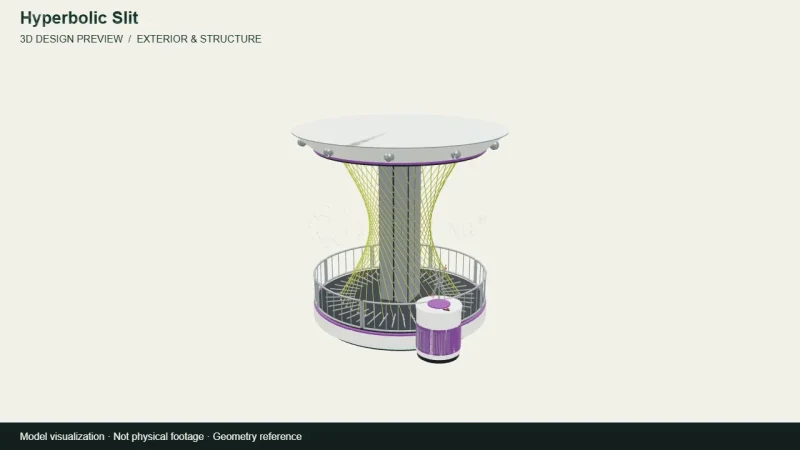
Mathematics & geometry
A camera view around the archived 3D design for Hyperbolic Slit. A straight moving element and curved slit demonstrate a surprising relationship between motion and geometry.
View the 3D design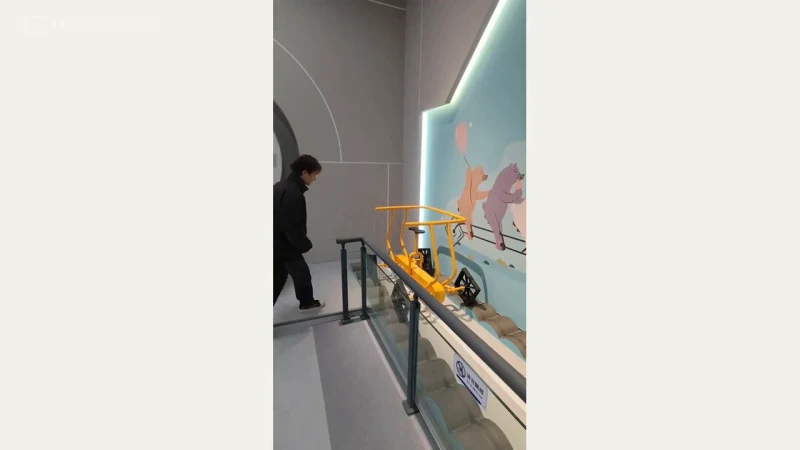
Mathematics & geometry
A square-wheeled vehicle and shaped track show how wheel geometry and track profile can work together.
Watch the demonstration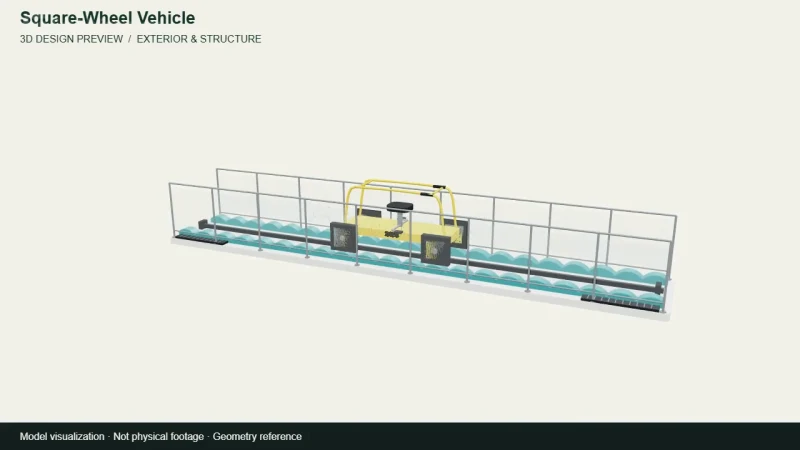
Mathematics & geometry
A camera view around the archived 3D design for Square-Wheel Vehicle. A square-wheeled vehicle and shaped track show how wheel geometry and track profile can work together.
View the 3D designFROM CONCEPT TO TURNKEY DELIVERY
Bring a sketch, a reference video or a project brief. Let’s discuss the experience, the site and the practical next steps.