Prepare the hands-on activity
Place the supplied object between the two mirrors.

REFERENCE VIEWS · IMAGE SEQUENCE 15 sec
Design-image sequence
Compare Angled Mirror Exhibit in five labelled still views. Place an object between two hinged mirrors and compare the repeated images as their angle changes.
Product details & project options Browse the video library · Page 25IMAGE VIEWING GUIDE
Design views of Angled Mirror Exhibit. These still images show the reference layout; they do not record the activity in operation.
Place the supplied object between the two mirrors.
Keep the object in one position while comparing two mirror angles, then repeat after moving the object.
How do mirror angle and object position affect the number of images? Recognize repeated reflection between two mirrors.
This film sequences existing reference images. It is not continuous operating footage or a moving 3D simulation; final function and configuration follow the agreed project.
Product details & project optionsKEEP EXPLORING
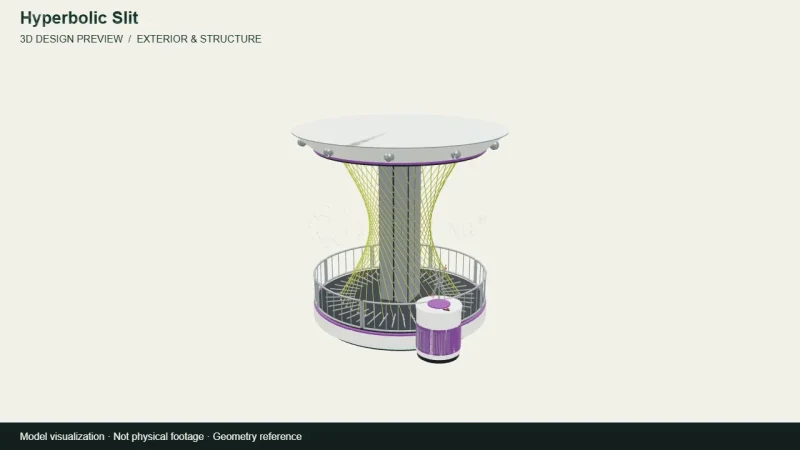
Mathematics & geometry
A camera view around the archived 3D design for Hyperbolic Slit. A straight moving element and curved slit demonstrate a surprising relationship between motion and geometry.
View the 3D design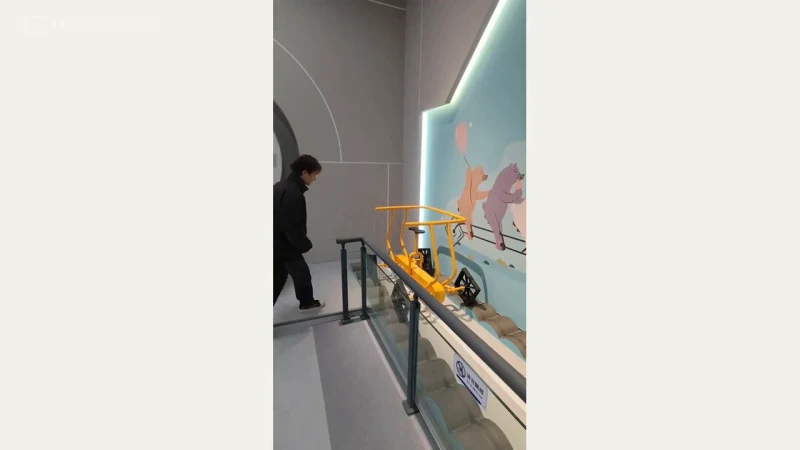
Mathematics & geometry
A square-wheeled vehicle and shaped track show how wheel geometry and track profile can work together.
Watch the demonstration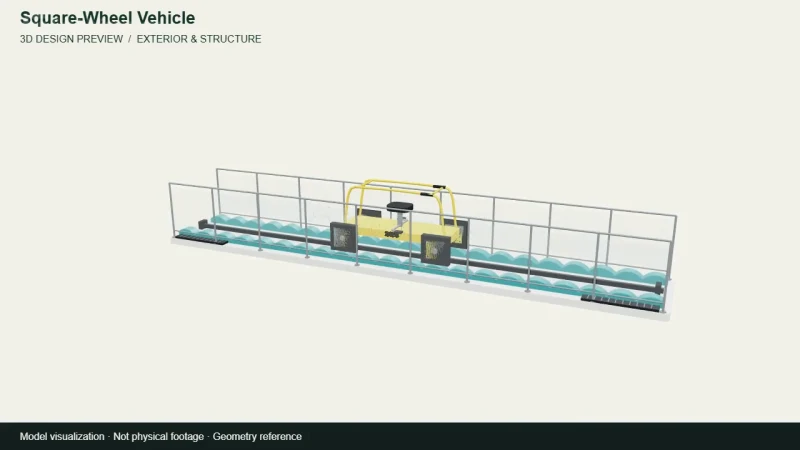
Mathematics & geometry
A camera view around the archived 3D design for Square-Wheel Vehicle. A square-wheeled vehicle and shaped track show how wheel geometry and track profile can work together.
View the 3D designFROM CONCEPT TO TURNKEY DELIVERY
Bring a sketch, a reference video or a project brief. Let’s discuss the experience, the site and the practical next steps.