Read the scenario
Locate the wheel, permitted controls and viewing position.

REFERENCE VIEWS · IMAGE SEQUENCE 15 sec
Photograph reference sequence
Compare Ship Operation Simulator Exhibit in five labelled still views. Use a bridge-style console facing a wide seascape to explore steering and vessel-operation choices in a museum setting.
Product details & project options Browse the video library · Page 50IMAGE VIEWING GUIDE
A central wheel and lower switch panels face a broad, wraparound ship-view display. The enclosure creates a shared bridge-like visitor position. It is a public learning simulator; professional training accreditation, vessel dynamics, scenario coverage and motion-platform functions are not established by the photographs.
Locate the wheel, permitted controls and viewing position.
Follow the supplied scenario and observe the represented vessel response.
Discuss how the inputs changed the scene and which real-world conditions are simplified.
This film sequences existing reference images. It is not continuous operating footage or a moving 3D simulation; final function and configuration follow the agreed project.
Product details & project optionsKEEP EXPLORING
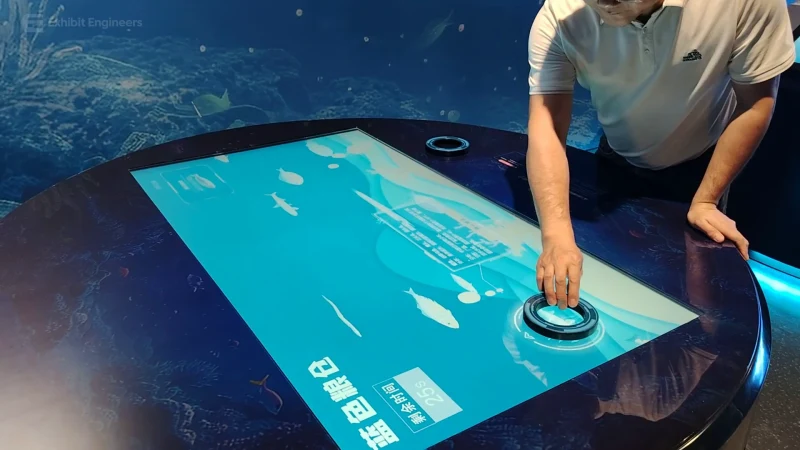
Ocean science
Select topics on a round interactive table to explore marine food resources through the supplied learning programme.
Watch the demonstration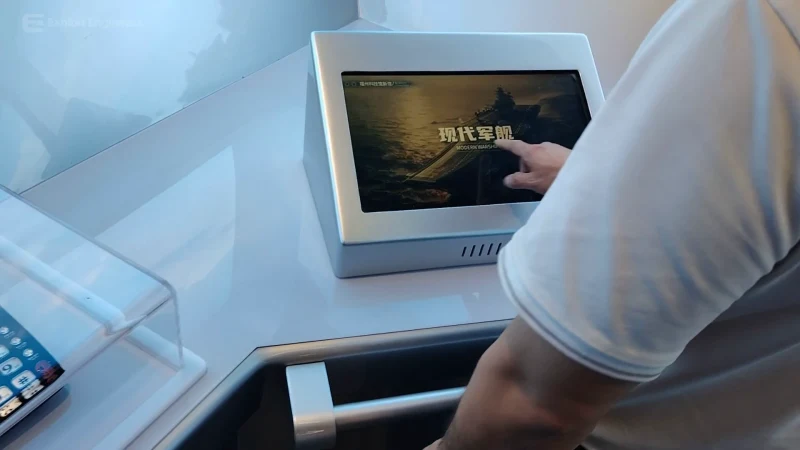
Ocean science
Explore ship models and screen-based interpretation at a dedicated naval-vessel learning console.
Watch the demonstration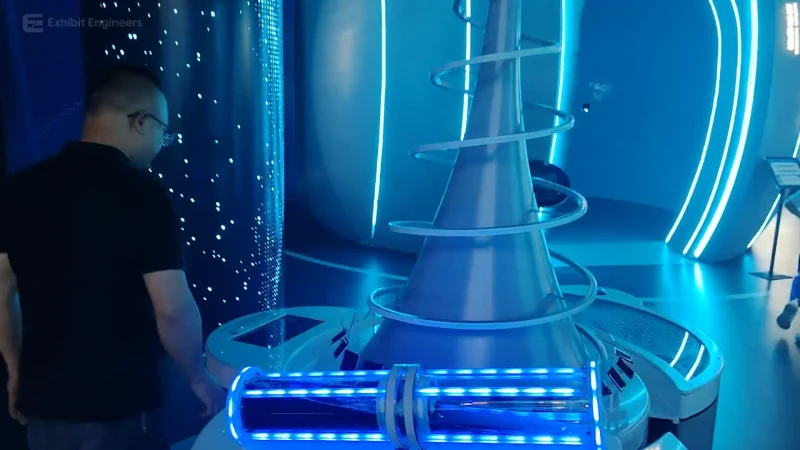
Ocean science
Explore a tall physical concept model and its visitor interface to discuss a proposed offshore energy-supply arrangement.
Watch the demonstrationFROM CONCEPT TO TURNKEY DELIVERY
Bring a sketch, a reference video or a project brief. Let’s discuss the experience, the site and the practical next steps.