Choose
Select an available on-screen condition, such as temperature or salinity.

REFERENCE VIEWS · IMAGE SEQUENCE 15 sec
Related project photograph sequence
Compare Seawater mixing touchscreen console in five labelled still views. A seawater-themed touchscreen console invites visitors to adjust on-screen conditions and explore ocean imagery. The physical exhibit pairs a horizontal interactive display with a separate rear graphic panel, supporting discussion of water properties, visible boundaries and the factors that influence ocean mixing.
Product details & project options Browse the video library · Page 52IMAGE VIEWING GUIDE
The exhibit uses a horizontal touchscreen set into a freestanding console, with a separate tall ocean graphic panel behind it. The demonstrated interface includes temperature and salinity choices, sliders and confirmation controls. Visitors change on-screen settings and view the visual result, providing a starting point for discussing seawater properties. This is a screen-based museum exhibit, not a water tank. Ocean waters can mix; temperature, salinity and density influence how they move and form layers.
Select an available on-screen condition, such as temperature or salinity.
Move the displayed slider and use the confirmation control to apply the selection.
Observe the visual result and discuss how water properties can influence ocean layering and mixing.
This film sequences existing reference images. It is not continuous operating footage or a moving 3D simulation; final function and configuration follow the agreed project.
Product details & project optionsKEEP EXPLORING
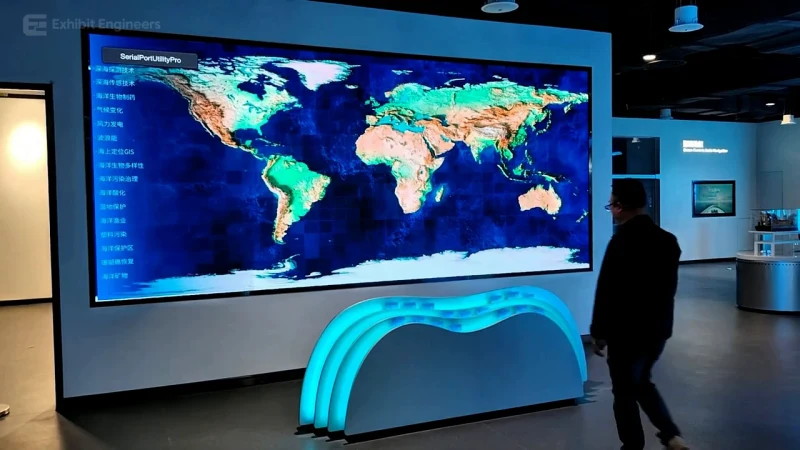
Ocean Science
See the actual physical reference and its demonstrated interaction. Follow the changing content on the large ocean map.
Watch the demonstration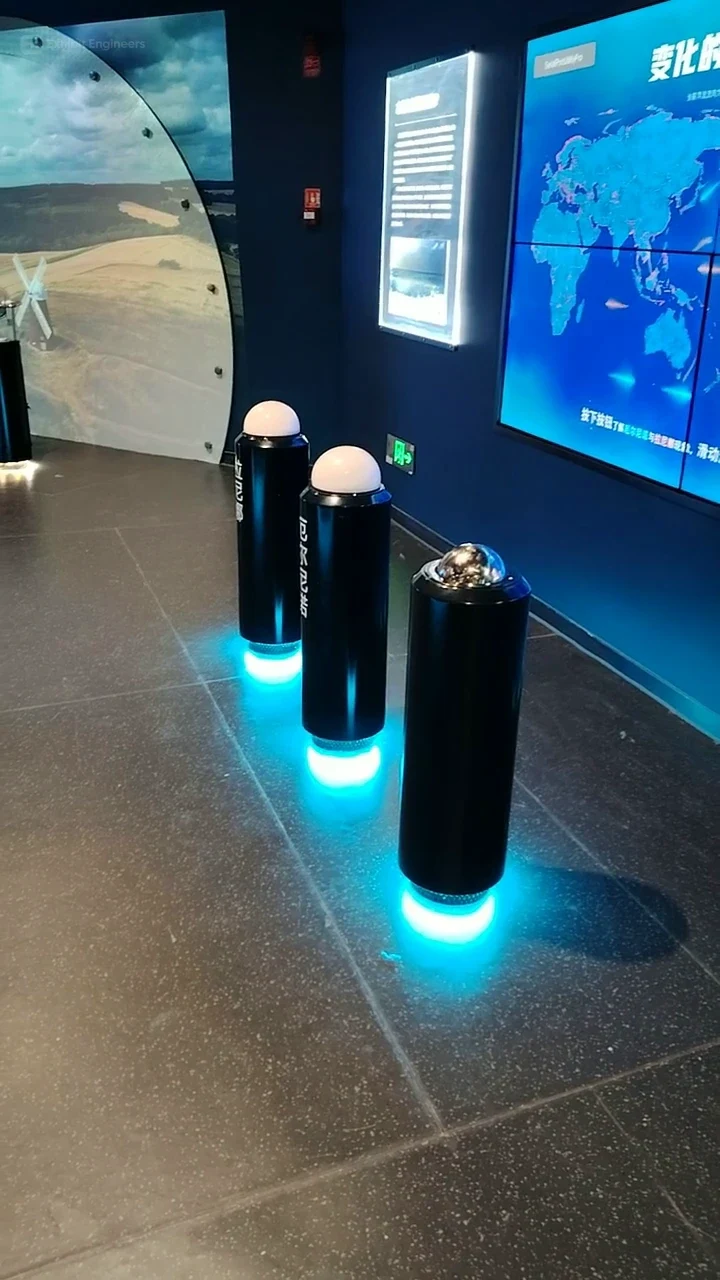
Ocean Science
See the actual physical reference and its demonstrated interaction. Observe differences in the shared map imagery and its agreed color key.
Watch the demonstration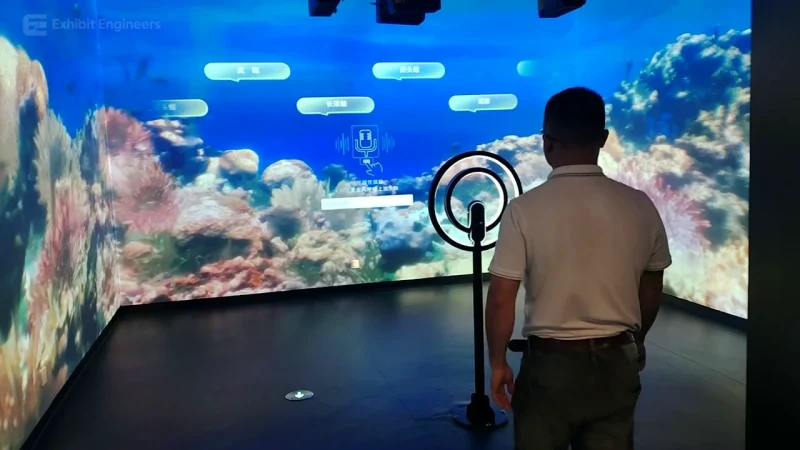
Ocean Science
See the actual physical reference and its demonstrated interaction. Use the agreed selection method and follow the associated marine content.
Watch the demonstrationFROM CONCEPT TO TURNKEY DELIVERY
Bring a sketch, a reference video or a project brief. Let’s discuss the experience, the site and the practical next steps.