Find the optical path
Identify the labelled source, openings and viewing region in the protected stage.

REFERENCE VIEWS · IMAGE SEQUENCE 15 sec
Photograph reference sequence
Compare Double-Slit Interference Teaching Station in five labelled still views. Compare an enclosed optical stage with media interpretation to explore how overlapping light waves form patterns.
Product details & project options Browse the video library · Page 37IMAGE VIEWING GUIDE
A protected tabletop optical stage sits below a tall media unit, with a side demonstration area. The physical station provides an introduction to double-slit interference. The chosen light source, optical alignment, slit arrangement and viewing surface must be specified for the supplied version rather than inferred from the photograph.
Identify the labelled source, openings and viewing region in the protected stage.
Operate the intended visitor input while leaving the optical enclosure closed.
Connect the light and dark regions with the accompanying wave explanation.
This film sequences existing reference images. It is not continuous operating footage or a moving 3D simulation; final function and configuration follow the agreed project.
Product details & project optionsKEEP EXPLORING
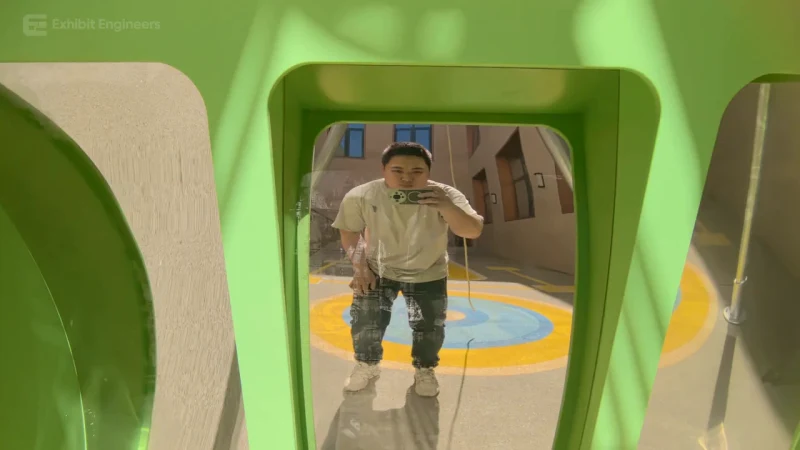
Fundamental science
A playful mirror installation changes the proportions of a visitor’s reflection.
Watch the demonstration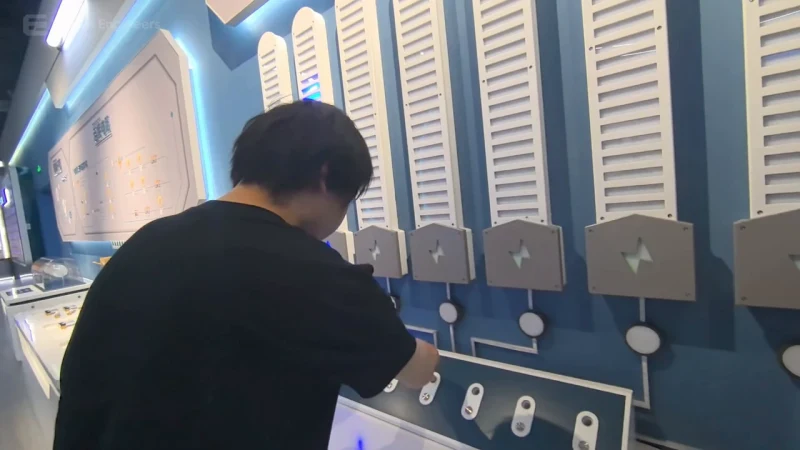
Fundamental science
Compare material samples and see how the electrical response changes on the illuminated indicators.
Watch the demonstration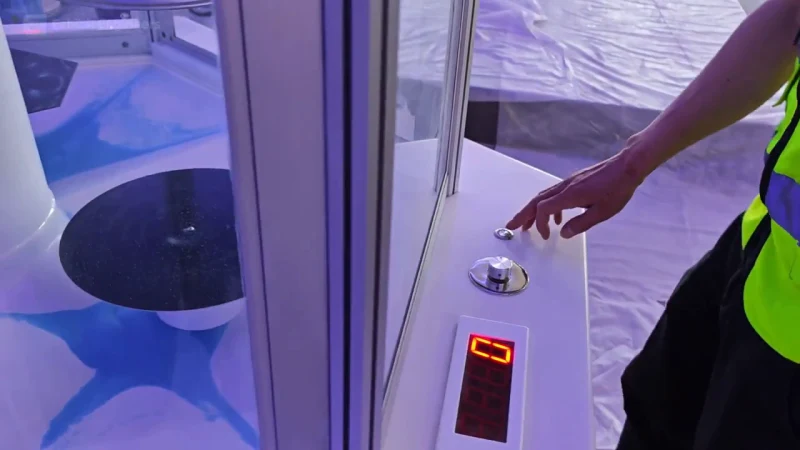
Fundamental science
Adjust the vibration control and watch particles arrange themselves on a vibrating surface.
Watch the demonstrationFROM CONCEPT TO TURNKEY DELIVERY
Bring a sketch, a reference video or a project brief. Let’s discuss the experience, the site and the practical next steps.