▷ 13 sec video
Forces & motion
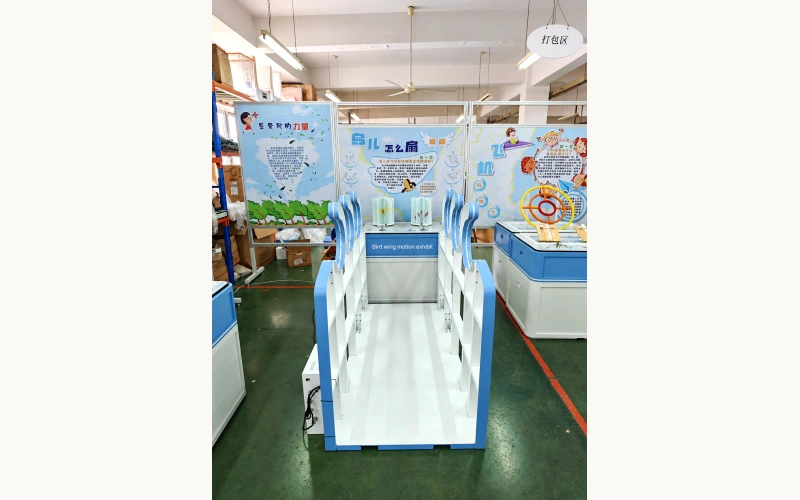
Bird wing motion exhibit
Follow wave-shaped handrails along a platform, then turn illustrated drums to observe a sequence of bird-wing images.
Enhanced photograph · Real operating video

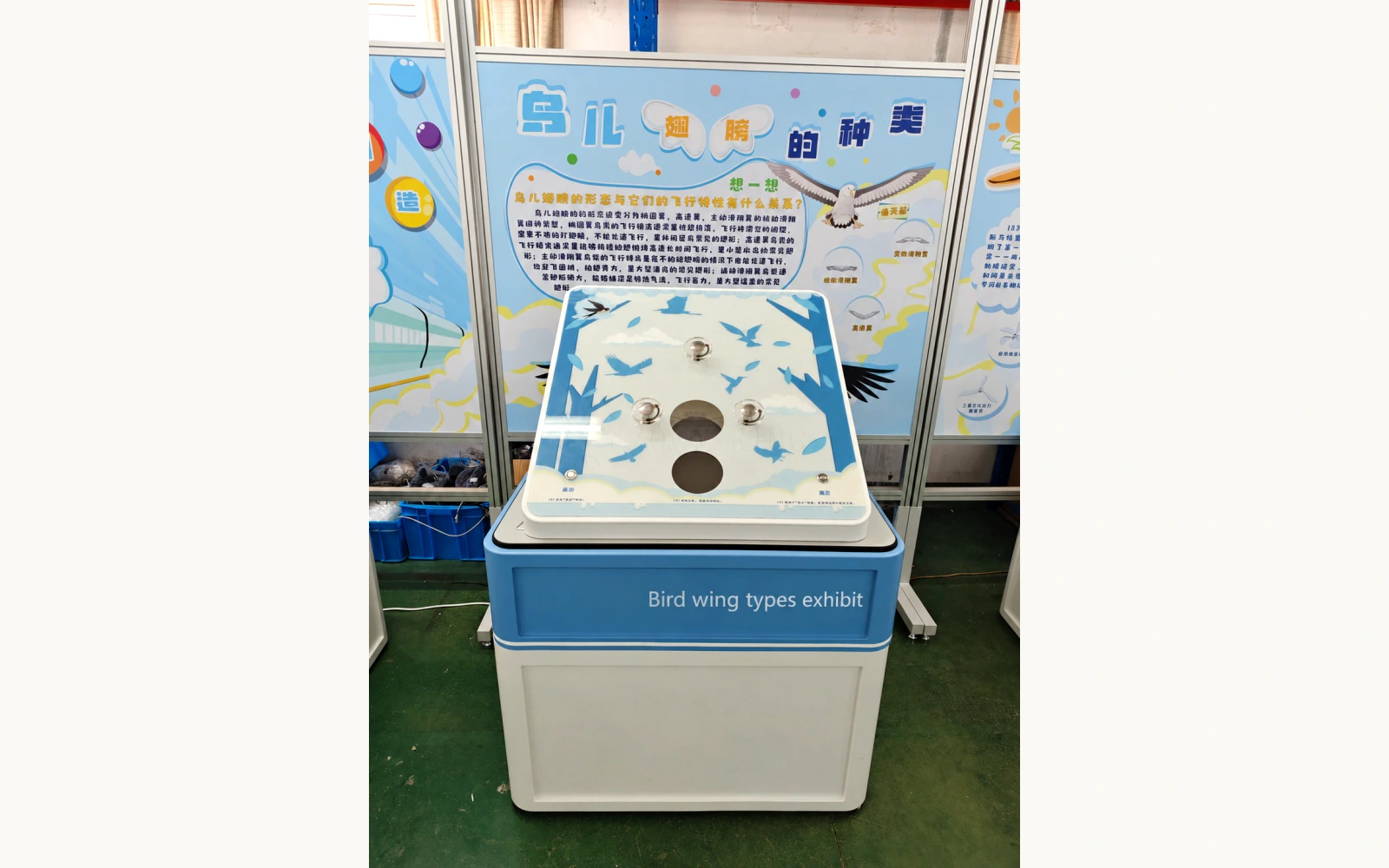
Forces & motion
Use physical selectors to choose bird-wing information, then compare the illustrated content shown through two circular viewing windows.
THE PRODUCT IN MOTION
A close view shows the three selector controls and circular windows, including illuminated areas and changing bird-wing imagery during operation.
Video & text guideTHE ACTIVITY & MECHANISM
The selectors and confirmation controls change the bird-wing information shown through the viewing windows. Comparing the selected illustrations directs attention to wing shape and visible structural differences. Visitors connect each selection with a displayed example, then use those examples to describe how the illustrated wings differ.
Use the start button and read the panel instructions.
Turn the selector controls to explore the available choices.
Confirm the selection and inspect the information shown in the circular windows.
REFERENCE & PROJECT SCOPE
Use the reference dimensions and operating information to plan the exhibit. The agreed project drawings define the supplied configuration, installation interfaces and service access.
Reference product dimensions in length × width × height order, including its base or cabinet where present. Allow additional installation and service clearances in the project layout.
BEFORE AN ENQUIRY
24 months of complimentary spare-parts support, remote technical guidance and long-term after-sales support. Exhibit Engineers pays the shipping cost of complimentary spare parts during the 24-month support period.
Explore the supportYes. Prototype testing and sample fabrication are available for custom projects. Discuss which functions or features you need to review for your version. The scope, cost and schedule are agreed for the project.
How prototype testing & samples workBird examples and supporting graphics can be discussed for the project. The final wing descriptions and matching activity should be reviewed together so the comparisons remain accurate.
The preview rebuilds a selection activity from the visible references. The final software, content set and feedback sequence need to be specified separately.
The gallery labels photographs, video frames, renderings and the dimension drawing. Physical footage is identified separately.
CONTINUE EXPLORING
▷ 13 sec video
Forces & motion
Follow wave-shaped handrails along a platform, then turn illustrated drums to observe a sequence of bird-wing images.
Enhanced photograph · Real operating video
▷ 18 sec video
Forces & motion
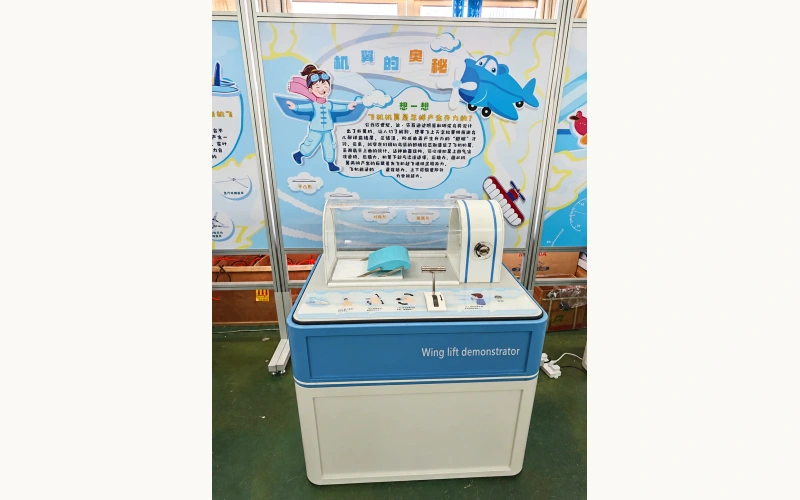
Operate the front control and observe a curved wing inside a transparent airflow enclosure, with its supporting linkages visible.
Enhanced photograph · Real operating video
▷ 18 sec video
Forces & motion
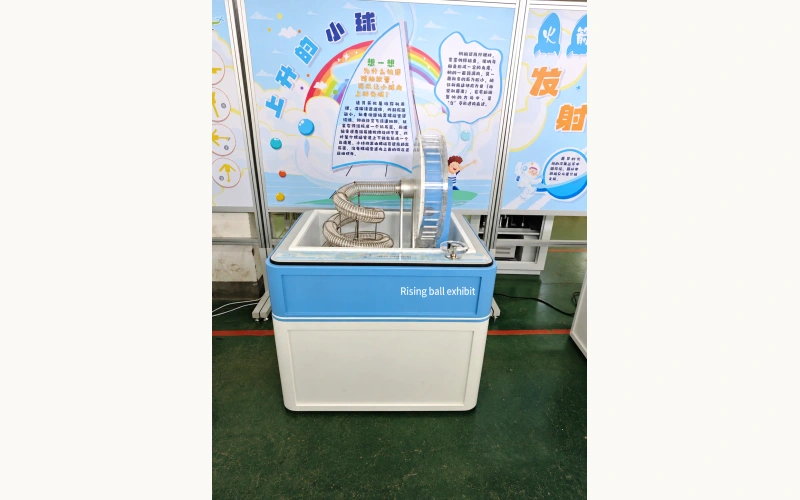
Turn the front handwheel and observe the relationship between a large rotating wheel and the connected transparent spiral tube.
Enhanced photograph · Real operating video
▷ 14 sec video
Forces & motion
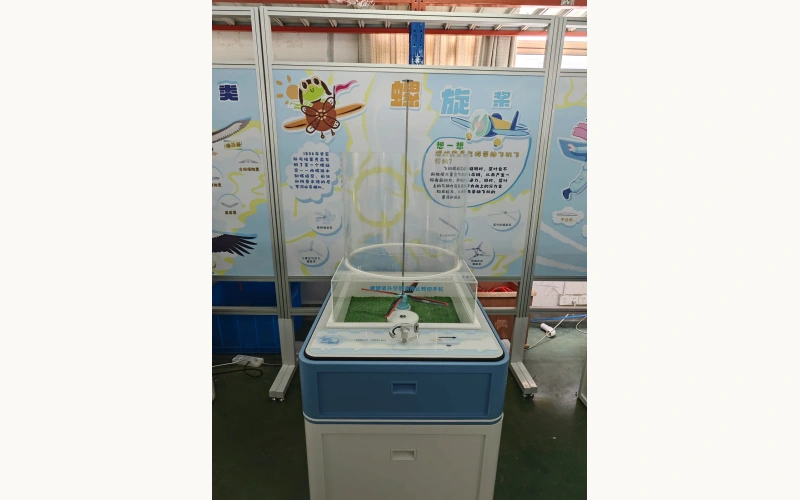
Turn a handwheel and observe the visible drive components and propeller inside a transparent cylinder around a central guide.
Product photograph · Real operating video
FROM CONCEPT TO TURNKEY DELIVERY
Share the exhibit name, intended users and a plan or description of your setting. We can work through the experience and practical scope.